PillBell · by Tomelo Apps
The medicine alarm you set up for your parents.
PillBell rings like an alarm clock, full screen, until the dose is taken. It's simple enough for them, and you can see whether every reminder actually went off. No account, no data collected, pay once.
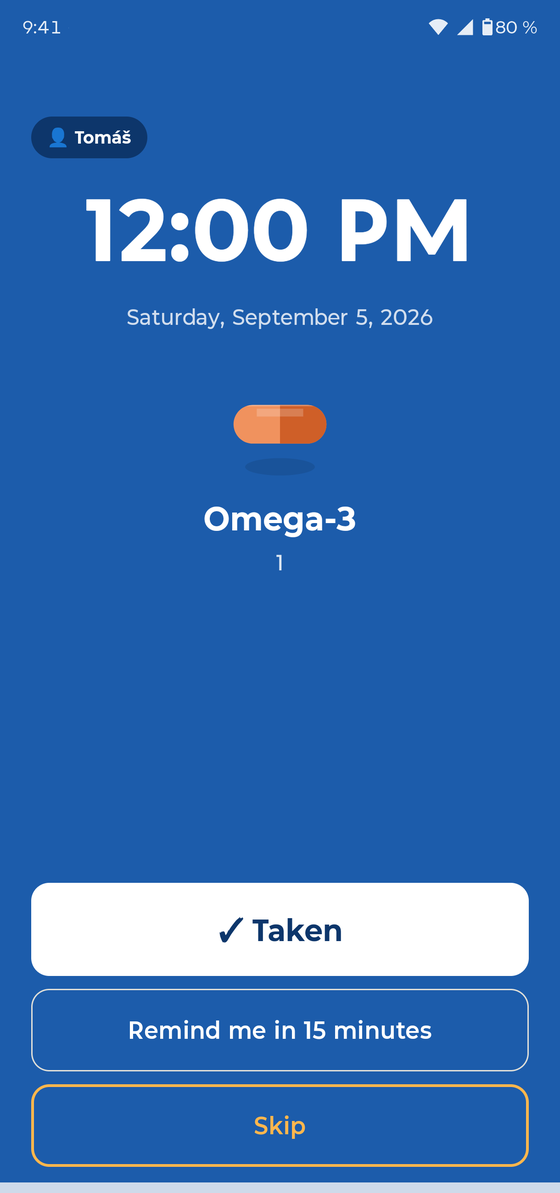
A reminder is only worth anything if it rings.
Many phones quietly put reminder apps to sleep to save battery, and the reminder never appears. PillBell is built against that:
- Alarm-clock priority, full screen, even on a locked phone
- Keeps ringing until someone answers, and gets through Do Not Disturb
- Step-by-step battery setup for Samsung, Xiaomi, Huawei, OnePlus and other brands
- A test alarm during setup, so you can see it work before you rely on it
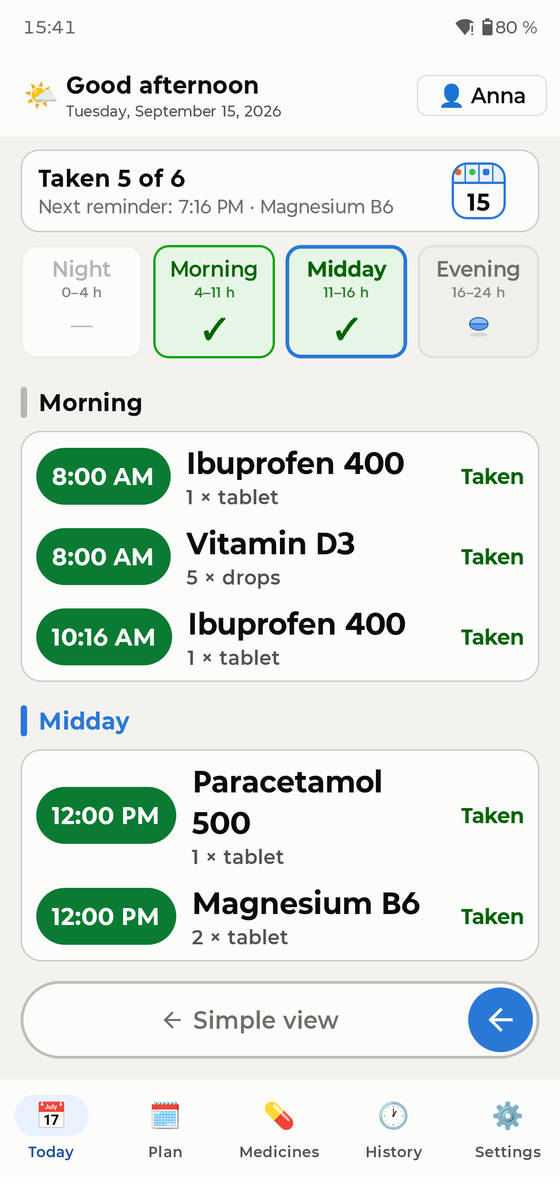
Proof, not promises.
PillBell records every alarm and shows you how many rang on time over the last 30 days. If something on the phone gets in the way, you'll know, and the guide shows you how to fix it.
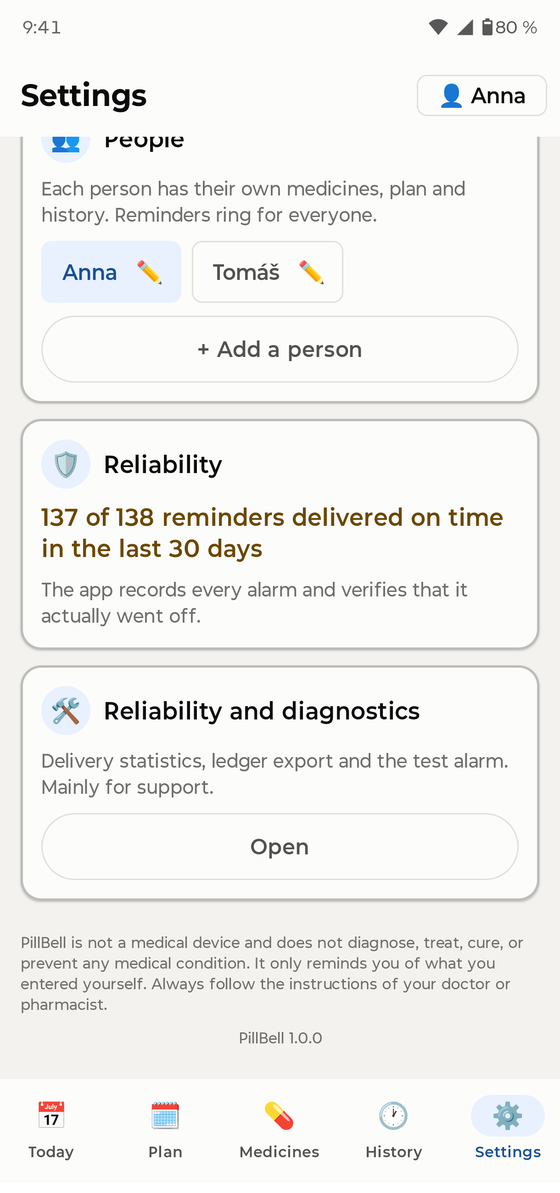
Simple enough for Mum.
Simple mode turns the whole app into one big card: what to take next, and one large green button saying “I took it”. A photo of each pack shows which pill is which.
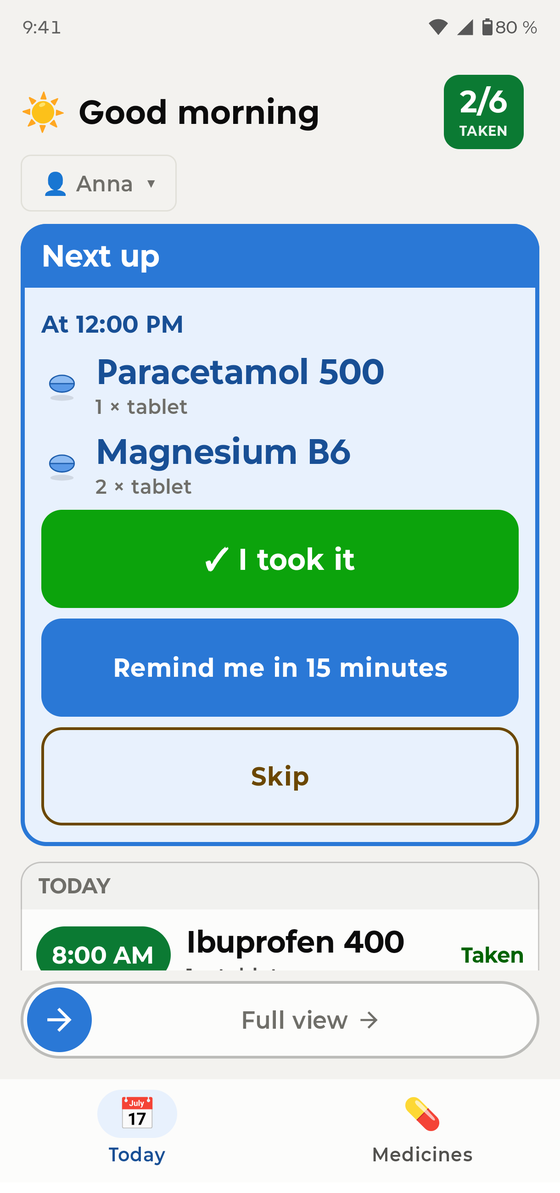
Complete enough for you.
- The whole family in one app: Mum, Dad, yourself
- Any schedule: daily, chosen weekdays, every few days, 21-on/7-off cycles, weekly, monthly, half doses
- As-needed medicines logged with one tap
- Supply tracking with a warning before you run out
- A PDF medicine list to take to the doctor
- Home-screen widgets, and a lock for the app
Private in a way you can check.
PillBell doesn't have permission to use the internet at all. It isn't just a promise not to send your data: the app can't send anything anywhere, and you can see that in your phone's app details. No account, no cloud, no ads, no tracking. Backups are files you create and keep wherever you like.
Questions
Which phones does it work on?
Android phones. Setup includes a step for your exact phone brand, because Samsung, Xiaomi, Huawei, OnePlus and others each hide the battery setting in a different place.
How much does it cost?
You pay once through Google Play. There's no subscription and nothing to renew.
What if the phone is lost or replaced?
Because nothing is stored online, make a backup file in Settings → Backup and keep it somewhere safe, such as in your email or a cloud drive. On a new phone, install PillBell, restore the file, and every reminder is set up again. PillBell reminds you to back up about once a month.
Which languages?
English, German, Czech, French, Spanish, Italian, Polish, Dutch, Portuguese and Ukrainian.
Does it give medical advice?
No. PillBell is a reminder and a personal diary. It is not a medical device, does not calculate doses and does not check drug interactions. Always follow your doctor's or pharmacist's instructions.
Guide in: English · Čeština · Deutsch · Français · Español · Italiano · Polski · Nederlands · Português · Українська